Automail v14 is a broad platform update focused on how business users work with operational data across the application.
Alongside a redesigned interface, v14 introduces built-in data versioning, a rebuilt AI chat, closer Autoform integration, and expanded authentication support. It is now the standard version for all new Automail deployments.
The release also improves how users analyze data consolidated from different sources, whether it is collected directly by Automail, submitted through Autoform, or received through external system integrations. We spent most of the development cycle refining these connected workflows so larger and more varied datasets remain easier to navigate, trace, and act on.
1. Refined application interface
We redesigned the main application interface around a more desktop-oriented layout that makes better use of screen space and keeps navigation, filtering, and common actions easier to scan.
Tables, forms, compact data views, loading states, and other shared controls were revised as part of the same pass. The emphasis was on clarity and speed in dense operational screens, with less visual noise and more predictable behavior from one workflow to the next.

2. Built-in data versioning
Data versioning is one of the larger structural additions in v14.
Automail now keeps a history of changes for supported data points out of the box. Previous values, edits, and deletions can be reviewed at row level or across a table without requiring a separate audit setup.
The history records what changed and when it changed, including updates made directly by a user or through workflow logic. This means a deleted value, for example, can be traced back to the point at which it was removed and whether the change came from a user action or an automated rule.
Because the version history is part of the standard data layer, the same traceability is available wherever versioning is enabled rather than being implemented separately for each module.

3. A more capable AI chat
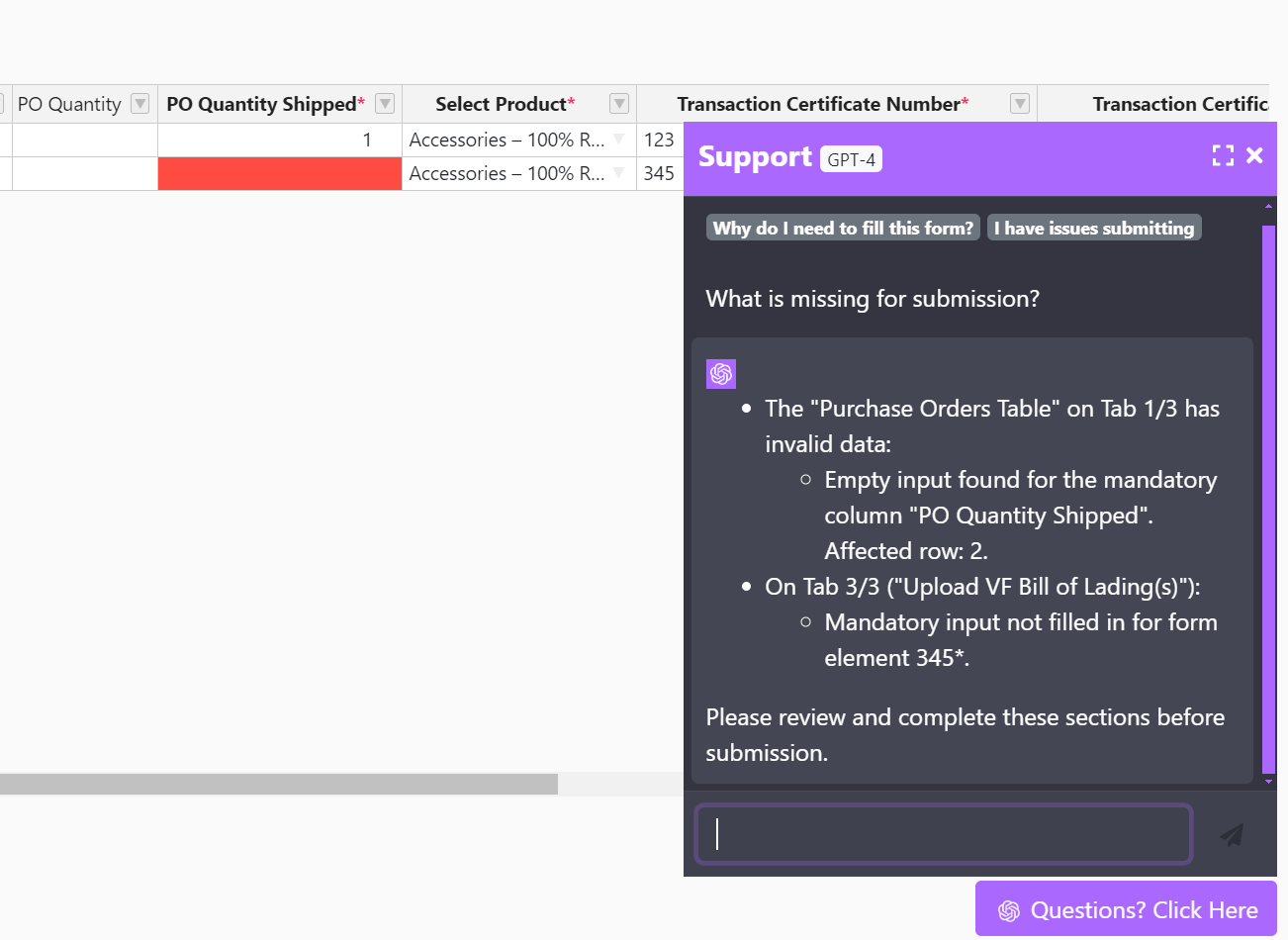
In v13, Automail's chat ran on GPT-4o mini through an assistant-based integration. It was a useful first step, but our tests showed that it was not reliable enough on complex business questions to add the level of value we wanted.
With v14, we moved the integration to OpenAI's Responses API and GPT-5.6 Sol. This gives the agent a larger working context and supports longer reasoning before returning an answer. In our testing, it performs much better on questions that combine several datasets, filters, or business rules.
When additional data is required, the agent can query the Automail database directly. It can also perform a web search when external information is relevant to the question.
We deliberately kept the architecture lightweight. Rather than placing a separate retrieval-augmented generation layer between the model and Automail, each instance provides guidance derived from its own data model, the current page context, and the actions available to the user. This keeps the integration tightly connected to the structure of that specific Automail deployment without maintaining a second retrieval stack.

Keyboard shortcuts
| Action | Shortcut |
|---|---|
| Open chat | ← |
| Close chat | Esc or → |
| Send a message | Enter |
| Start a new line | Shift + Enter |
4. Closer Autoform integration
Autoform is a Lineverge-built web application designed as the data-collection layer for Automail. Conceptually, it sits between Google Forms and Google Sheets, combining structured forms with spreadsheet-like data entry while remaining controlled by the Automail instance behind it.
Supply chain partners can submit and maintain information through Autoform without needing access to the core Automail environment. Automail defines what needs to be collected, while Autoform provides a lightweight decentralized interface for external users.
With v14, the integration between both applications is built in and supports near real-time synchronization. Updates submitted through Autoform can flow back into Automail with minimal delay, keeping supplier-facing data collection and internal operational records aligned without a separate integration layer.

5. Authentication and platform refinements
Extended SSO support
We added support for additional single sign-on identity providers, making Automail easier to integrate with a wider range of corporate authentication environments.
Platform refinements
v14 also includes fixes and adjustments across navigation, data presentation, application state handling, validation, and common workflows. These changes are practical improvements that make everyday use more reliable across the platform.
Deployment and upgrades
- New deployments
- Automail v14 is the default.
- Existing instances
- Upgrade rollout is in progress.
Existing environments are being upgraded in stages, with timing aligned to each instance's current configuration and active workflows. This lets us move deployments onto the new platform baseline while keeping ongoing client operations uninterrupted.
General platform documentation is available in the Automail documentation.