Material delivery tracking
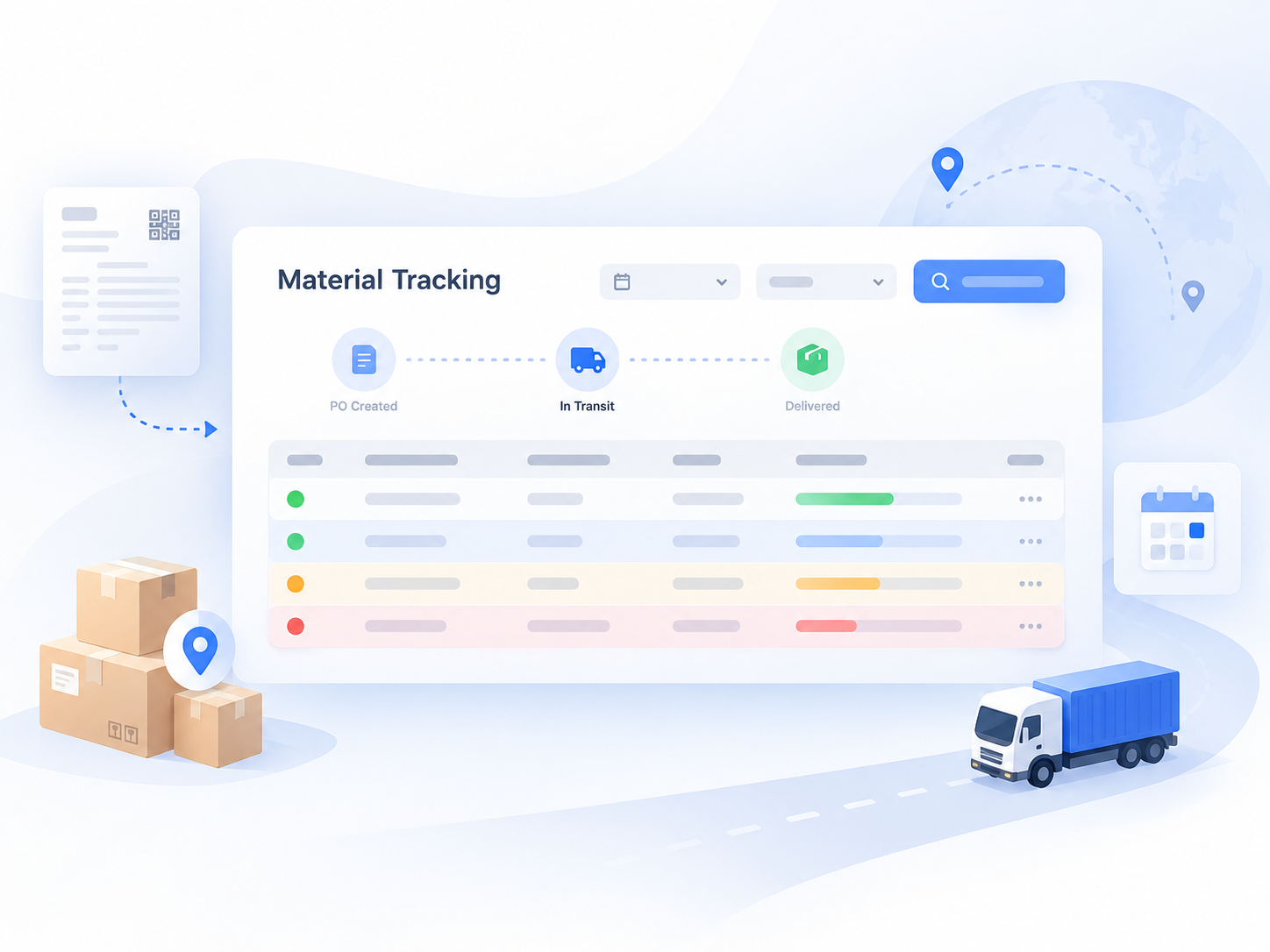
Collect recurring shipment updates from Tier 2 and Tier 3 material suppliers, detect potential delays early, and give planning teams time to protect Tier 1 production schedules.
A simple process that becomes expensive when repeated every week
Material planning teams need current status for material purchase orders placed by Tier 1 factories with nominated Tier 2 and Tier 3 suppliers. Typical updates include actual shipment date, shipped quantity, remaining quantity, and the reason for any delay.
The challenge is frequency. Suppliers must be contacted again and again so planners can maintain a rolling view of open material orders. When this sits outside ERP or PLM, the process often becomes repeated emails, spreadsheet updates, reminders, and manual consolidation.
Automail turns that recurring coordination into a module, while preserving the company's existing systems and planning logic.
Keep the supplier updates moving without the spreadsheet chase
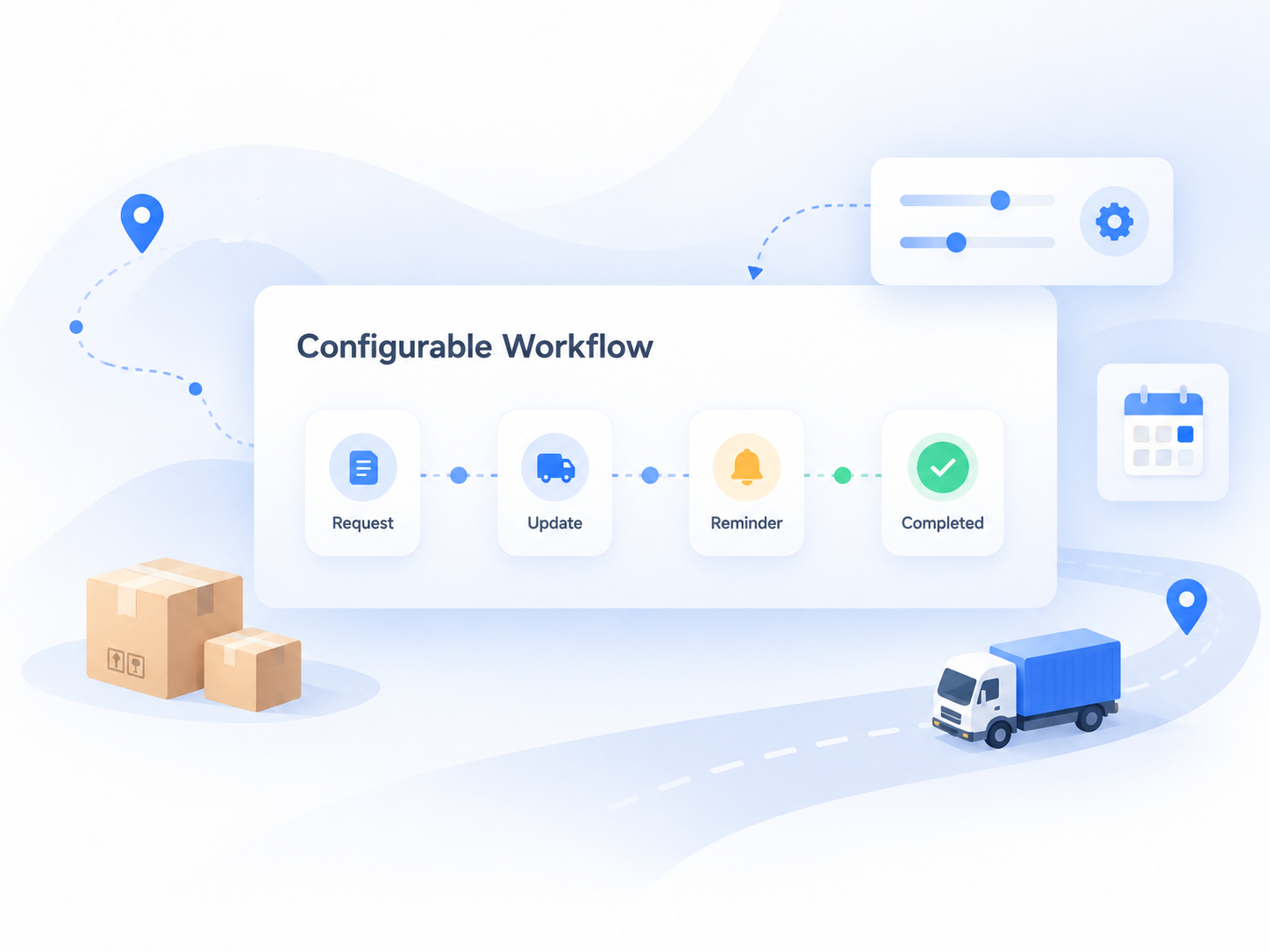
Planning teams define the suppliers and material orders to track. Automail handles recurring requests, collects structured responses through Autoform, validates the updates, follows up on missing responses, and consolidates the data for review and reporting.
Define scope
Add the suppliers and material PO lines that need active tracking.
Request updates
Email each supplier a unique Autoform link on the required cadence.
Validate responses
Check formats, duplicates, required fields, dates, and conditional delay reasons.
Review risk
Focus planners on late or at-risk materials and supplier performance.
Start from the process the planning team already uses
This is a good example of a relatively straightforward Automail deployment. The goal is not to redesign the business from scratch, but to understand the current process quickly and move it into a maintainable module.
Share existing files
The planning team provides the spreadsheets, email examples, rules, and reports used today.
Reverse engineer
Our deployment team studies the files first and prepares a draft understanding of the process.
Confirm in one workshop
A focused 30–60 minute session closes gaps and turns the current process into an agreed specification.
Configure from a template
We start from our material delivery tracking module template and adapt it to the agreed rules.
A familiar table for suppliers, with the workflow behind it
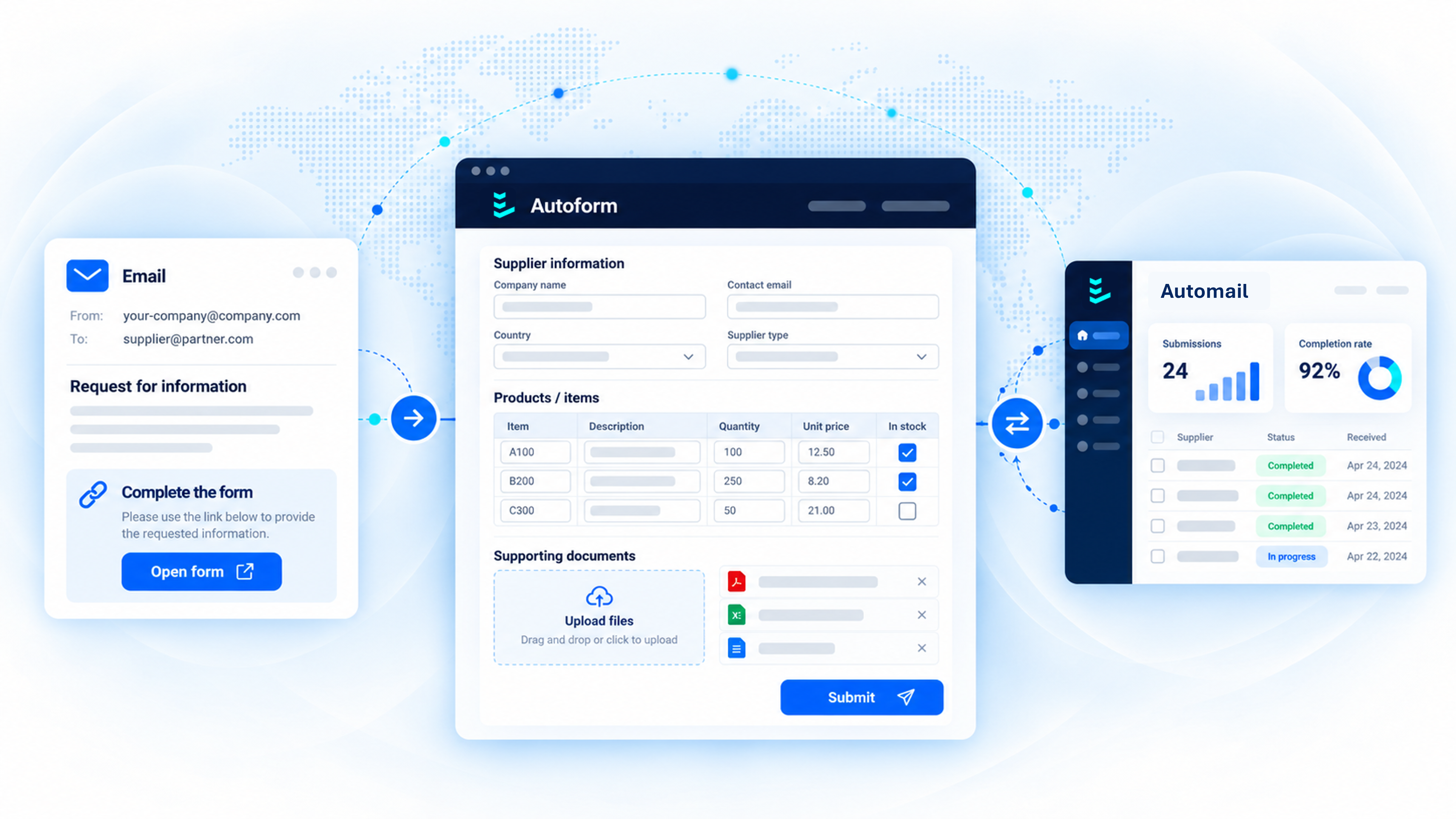
The core external interface is an Autoform configured as a spreadsheet-style table. Suppliers add newly received material orders or update open ones with the latest shipment information.
Available data can be prefilled, while validations help prevent bad submissions. Required columns, formulas, allowed values, duplicate checks, and conditional rules are all configured for the process.
Suppliers do not need access to Automail. They receive a unique link by email, update the requested data in Autoform, and submit.
The first release is for learning, not pretending every detail was known upfront
After a few days of configuration, the first version is released to the planning team for internal testing. Feedback is expected. Some details will have been misunderstood, while other requirements only become obvious once users see the process working.
Communication
Adjust supplier email wording, reminders, frequency, and action buttons.
Data structure
Add or remove table columns, change field formats, or adapt the update cadence.
Validation logic
Prevent duplicates, enforce valid formats, and require a delay reason when dates indicate a delay.
After launch, the planning team manages exceptions instead of chasing updates

Once the module is live, planners mainly maintain the scope of suppliers and material orders to track. Automail handles the recurring requests, reminders, validations, and consolidation.
The team can review current shipment risk directly in Automail, analyze supplier OTP and delay patterns, or export the dataset into existing reporting tools and downstream processes.
During the first weeks, the Lineverge team monitors the module closely and responds to abnormalities or configuration changes. Once the core process is stable, updates become less frequent but remain expected as business rules evolve.
Add transaction evidence when more control is needed
OCR & Document ParsingLater, the same module can be extended when the planning team wants evidence behind supplier disclosures. A second Autoform tab can ask material suppliers to upload the Tier 1 purchase orders they received and the matching invoices they issued.
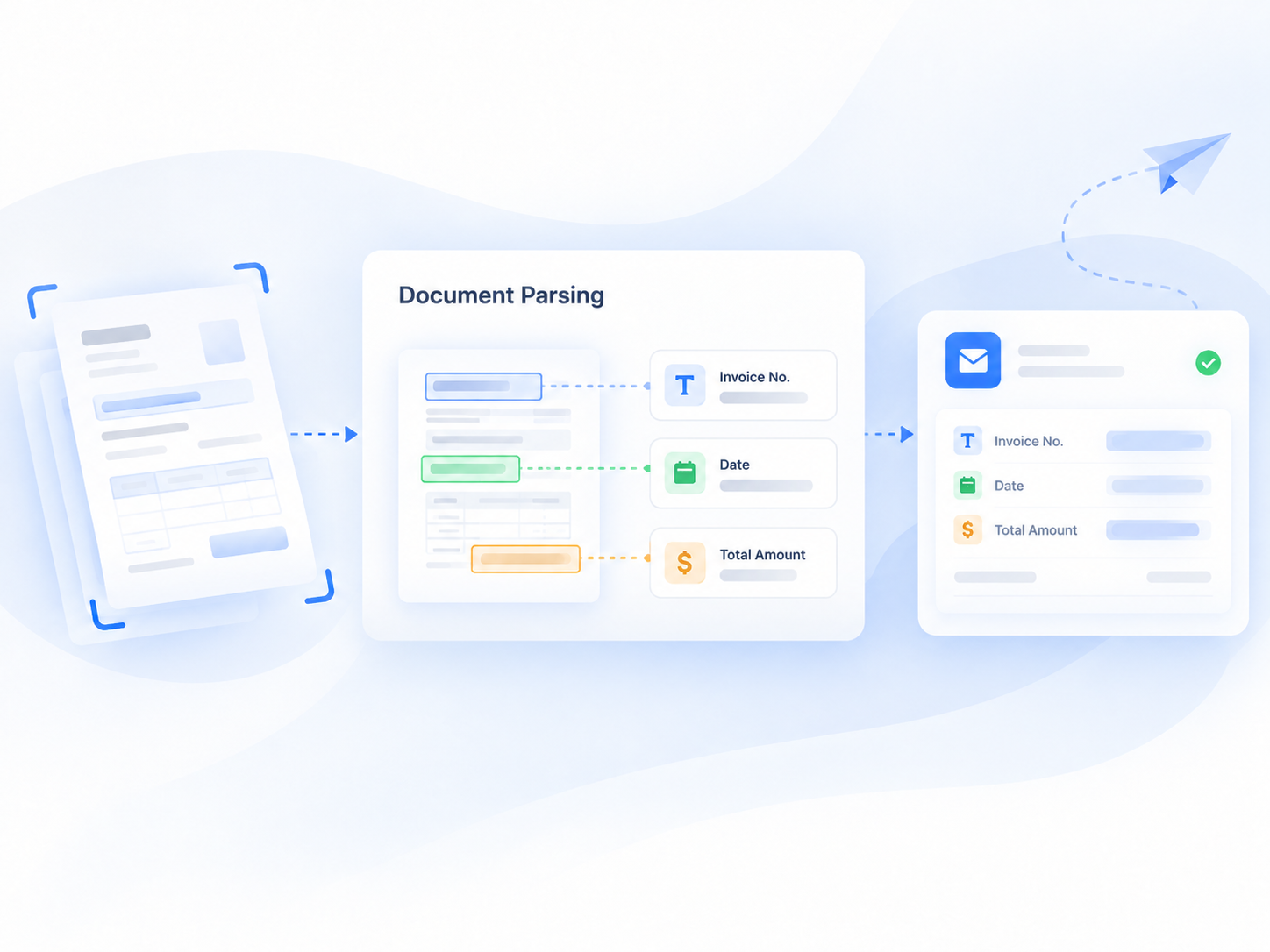
Automail's document parsing engine extracts key data such as PO numbers, connects matching documents, and links the evidence back to the relevant PO lines. This gives planners a clearer audit trail for disclosed volumes and nominated-supplier transactions.
The extension adds control without changing how suppliers access the process: they continue using the same Autoform link and simply upload the requested documents.
Supply Chain Document Parsing
Document-specific extraction and validation can be configured for a broad range of common supply chain records.
A small module that removes a large amount of repetitive planning work
The planning team keeps control of who and what should be tracked, while Automail takes over the repetitive coordination around it.
That means earlier visibility of material delays, less supplier chasing, cleaner data, and a reusable supplier-performance dataset without a large ERP or PLM project.
Still collecting material shipment updates in spreadsheets?
Show us the files and rules your planning team uses today. We can discuss how quickly the process could become an Automail module.